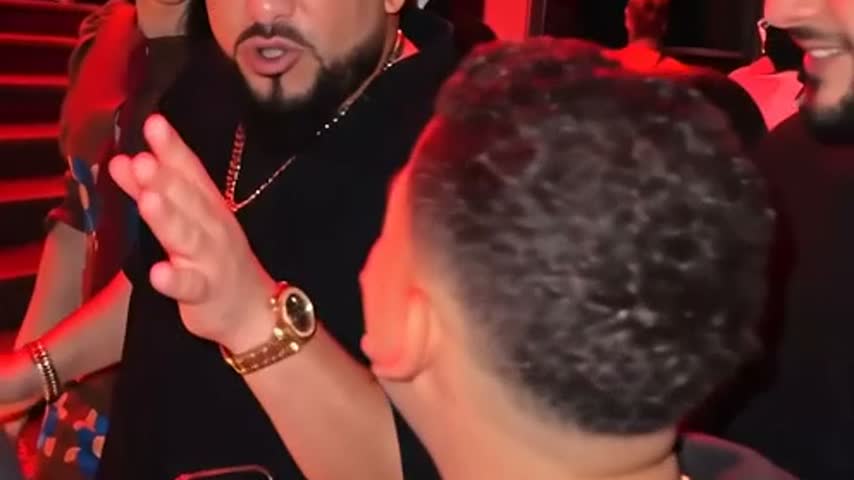
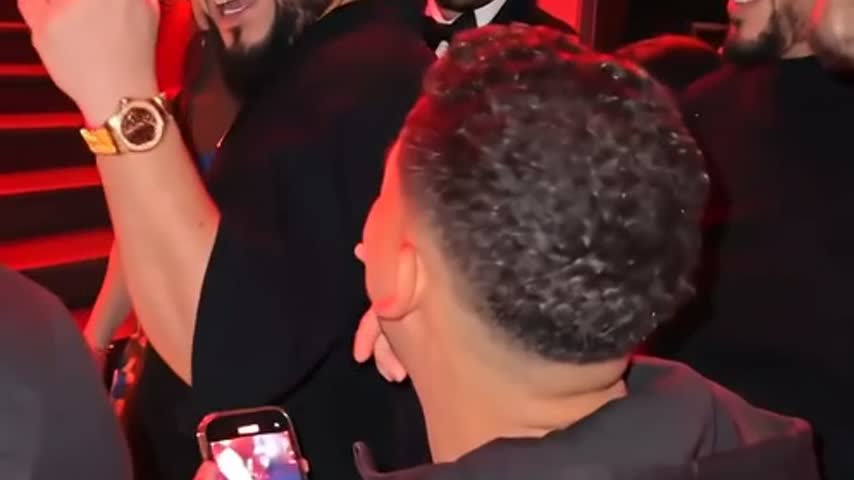
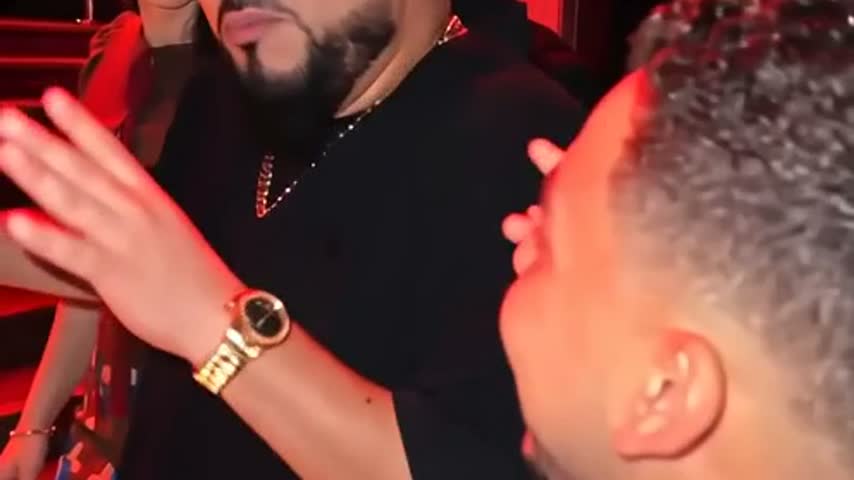
Turn one photo into your own viral freestyle rap video. No editing, no prompts, no subscription.
Bulin 47 Video
9:16 Preview
AI-generated
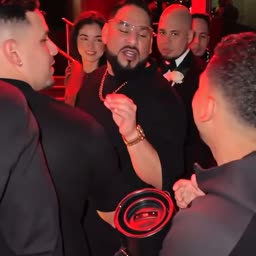
Example AI-generated video placeholder from the sample shown here.
Upload Your Photo
Front-facing, good light, one person in frame.
Format
Quality
Price shown before you pay · Failed videos are refunded in full · Photo and video deleted after 7 days
Bulin AI Video (bulinaivideo.app) makes a Bulin 47 AI video from one photo: upload a clear face photo, choose 9:16 or 16:9, then get an AI-generated freestyle rap video with sound.From $6.99, no sign-up, no subscription.
What happens in your Bulin 47 AI video
One photo becomes a short AI-generated freestyle video made for vertical feeds.
1 photo
Upload
Use one clear, front-facing photo.
AI video
Generate
The template turns your photo into a freestyle rap clip.
9:16
Preview
Vertical video is made for TikTok, Reels and Shorts.
MP4
Download
Save your finished AI-generated video.
Social
Post
Share it with your own caption and sound choices.
What is the Bulin 47 AI video trend?
Bulin 47 AI videos are short freestyle rap clips made from a single photo. People use them for TikTok, Instagram Reels and Shorts because the idea is instantly clear: upload a face photo, generate the clip, then post the result.
The main question for this kind of tool is whether the generated result feels close enough to the sample style. Use a clear photo and check the preview before sharing.
Most people either search for a Bulin 47 AI template or try to prompt a video model manually. Bulin AI Video keeps the flow simple: one photo, one format choice, one generated video.
Only upload yourself or an adult who gave permission. Do not use photos of children, celebrities, public figures or strangers.
The best results usually start with a front-facing photo, even lighting and the whole head in frame.
How to make a Bulin 47 AI video
1
Upload one photo
Use one clear, front-facing photo with good light.
2
Pick the format
Choose 9:16 for TikTok and Reels, or 16:9 if you want a wide video.
3
Pay once, wait, download
Pay once, then wait a few minutes. Your video appears on your order page, ready to download.
Made from one clear photo
Every video is built from a photo of yourself or an adult who agreed to appear. Before checkout, the uploaded photo is checked by an automated content-safety system. Every finished video is checked again before delivery.
One person in the photo, facing the camera
Even daylight, no sunglasses, masks or heavy filters
Whole head in frame
Adults only. No children, celebrities or public figures.
Bulin 47 AI generator vs. doing it yourself
Template app
Prompt in a video model
Bulin AI Video
What you do
Find a template, install an app, sign in
Write a long prompt, retry, edit clips together
Upload one photo
Time
Varies - install, search, edit
Varies - prompt, retry, edit
Usually a few minutes
Cost
Free daily credits
Free credits or a monthly plan
From $6.99, once
Format
Usually vertical
Depends on your prompt
9:16 by default
Pricing
Pay once. No subscription, no account.
1 video · 480p
$6.99
Standard quality, 15s with sound
Most picked
1 video · 720p HD
$12.99
HD quality, 15s with sound
All plans: failed videos are refunded in full · photo and video deleted after 7 days.
Videos are generated with ByteDance's Seedance 2.5 model.
Bulin AI Video FAQ
What's the easiest way to make a Bulin 47 AI video?
Upload one clear photo to Bulin AI Video, choose a format, and generate a freestyle rap video without editing or writing prompts.
Is this a Bulin 47 AI video generator?
Yes. The page is built for the Bulin 47 freestyle video format, with one-photo upload and 9:16 video as the default.
How do I get the best result?
Use one clear, front-facing photo in even daylight. Avoid sunglasses, masks, heavy filters and cropped faces.
What app is used for the Bulin 47 AI trend?
Many people use templates or video tools manually. Bulin AI Video uses ByteDance's Seedance 2.5 model with the Bulin 47-style video flow already set up. Bulin AI Video is not affiliated with or endorsed by ByteDance.
How much does it cost? Is it free?
$6.99 for a 480p video or $12.99 for 720p HD, paid once. No subscription and no account. If you want to try it yourself for free, CapCut and Dreamina give daily free credits.
How long does it take?
Usually a few minutes. Keep or bookmark your order page - your video appears there when it's ready.
Is 9:16 supported?
Yes. 9:16 is the default because Bulin 47 videos are usually watched on TikTok, Reels and Shorts. You can also choose 16:9.
Do I need a prompt?
No. The Bulin 47 AI video setup is already built in. You only upload one photo and pick a format.
Can I upload someone else's photo?
Only upload yourself or an adult who agreed to appear. No children, celebrities, public figures or strangers.
Will the result look exactly like the sample?
The sample shows the intended style, but AI can change small details. Use a clear photo for the closest result and preview your video before sharing.
Does the video have sound?
Yes, every video comes with sound. You can also mute it and add your own trending sound in TikTok or Instagram before posting.
What happens to my photos?
It's used to make your video and deleted within 7 days. Your video is private by default; if you create a share link, anyone with that link can watch it until you stop sharing or it is deleted after 7 days.
What if my video fails?
Failed videos are refunded in full. Email support@bulinaivideo.app with your order number and we'll process it manually within 2 business days.
 Bulin AI Video